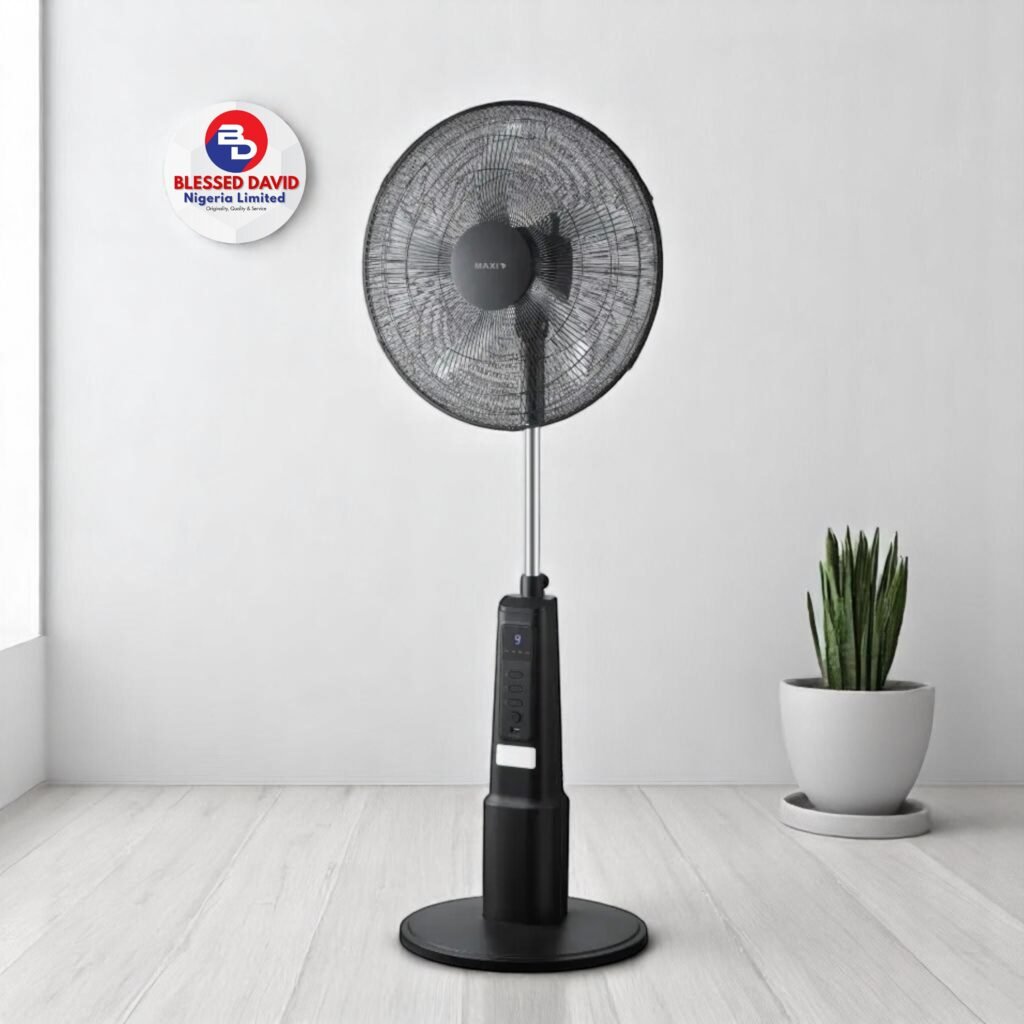
A rechargeable fan that refuses to charge, switches off after a few minutes, or runs only while plugged in can be frustrating—especially during a power outage. The cause may be as simple as a damaged cable or blocked charging port, but it can also be a worn-out battery or a fault that needs a technician.
Start with the checks that do not require opening the fan: confirm the correct charging port, inspect the cable and adapter, check the power source, and read the indicator lights against your model’s manual. Do not open a sealed battery pack or experiment with a different charger just because its plug fits.
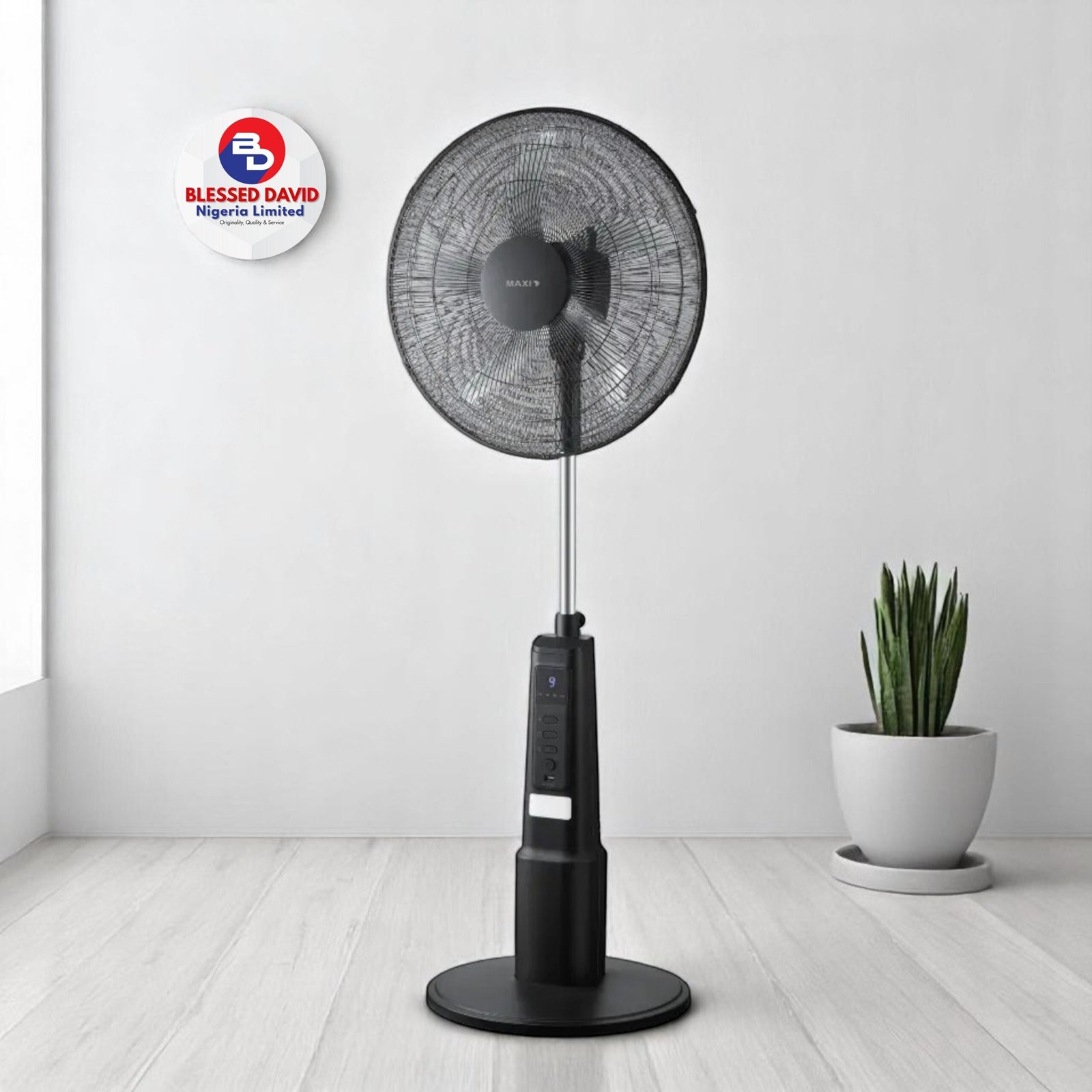
Quick diagnosis: what is your rechargeable fan doing?
| Symptom | Possible cause | First safe check |
|---|---|---|
| No charging light | Power source, cable, adapter, port or charging circuit | Try a known-working compatible power source and inspect the connection |
| Light comes on but battery level does not increase | Wrong or weak power supply, battery fault or charging circuit problem | Switch the fan off and use the specified charger and cable |
| Fan charges but will not start | Battery not holding charge, control fault or motor problem | Check the charge indicator and controls in the manual |
| Fan runs only while plugged in | Flat, worn or disconnected battery—or a USB-powered model | Check the model specifications and test after a full, correctly performed charge |
| Blades do not spin | Obstruction, damaged blade assembly, motor or control fault | Switch off and unplug before checking for visible obstruction |
| Battery drains quickly | High speed setting, ageing battery, poor charging or unusually high load | Compare runtime at a lower speed after a full charge |
1. Rechargeable fan is not charging
If the fan does not appear to charge, check the external power path before assuming the battery is dead.
- Check the power source: Test the wall socket or USB power source with another suitable device. If you are using an extension, check that it is switched on and working.
- Inspect the cable: Look for fraying, bent connectors, loose plugs or heat damage. Stop using a damaged cable.
- Use the correct input: Some fans have more than one USB port. A USB-A socket may be an output for charging a phone, not an input for charging the fan. Look for labels such as IN, Input or 5V IN.
- Check the adapter rating: Follow the voltage, current and charger requirements printed on the fan or in its manual. A connector that fits is not proof that the adapter is suitable.
- Inspect the port externally: With the fan switched off and disconnected, look for visible dust, damage or looseness. Do not push metal objects into the port or apply liquid cleaner.
Try the supplied cable and manufacturer-recommended power source again, with the fan switched off if the manual instructs you to charge it that way. If the port is loose, burnt, unusually hot or visibly damaged, stop and have it inspected.
2. The charging light does not come on
A missing indicator light does not automatically mean the battery has failed. The socket may not be supplying power, the cable may be faulty, or the fan may use an indicator pattern that is different from what you expect.
Check the manual for your exact model. Some fans use a steady light while charging and a different colour when full; others flash battery-level indicators. A light that switches off can mean charging is complete on one model and no power is reaching the device on another.
If the correct cable and power source produce no indicator and the fan also cannot run, arrange a service check rather than repeatedly plugging and unplugging it.
3. The fan charges but will not turn on
First, confirm that the fan has actually completed charging. A light that comes on briefly may only show that power is connected; it does not necessarily mean the battery has stored enough energy.
- Disconnect the charger and try the normal power button or switch.
- Check whether the model requires a long press, a separate speed button or a safety lock to start.
- Look for a removable battery compartment only if the manufacturer describes it as user-accessible. Follow the polarity markings and instructions exactly.
- If the fan remains dead after the correct charging procedure, the battery, switch, control board or motor may need professional testing.
4. The fan works only when it is plugged in
This symptom often points to a battery that is no longer storing usable charge, but check the product type first. Some small USB fans are designed to run directly from USB power and do not contain a rechargeable battery at all.
Check the packaging, rating label and manual for a battery specification and expected cordless operation. If the product is rechargeable and used to run unplugged, but now stops as soon as you disconnect it, the battery or its connection may have failed. A technician can confirm whether the battery is replaceable and whether the charging circuit is working.
5. Rechargeable fan is on but the blades are not spinning
Switch the fan off and disconnect it from power before inspecting the grille. Look for visible dust, hair, thread or another object stopping the blades. Do not put your fingers or tools through the grille while the fan is connected.
If the blades are visibly obstructed, clean only the areas the manual says users may clean. Do not force the blades around. If there is no visible obstruction, or the motor hums, smells burnt or becomes hot without turning, stop using the fan and take it to a qualified repairer. A seized motor, damaged bearing, loose internal connection or control-board fault may be responsible.
6. The fan stops after a few minutes
A fan that starts normally and then stops may have a depleted or ageing battery, a poor connection, overheating protection or a motor problem. High speed can also use more battery power than low speed.
After checking that the fan and battery are not unusually hot or damaged, charge it according to the manual and test it at a lower speed. If it still stops after a short period, or repeatedly cuts out even when fully charged, do not keep forcing it to run. Ask a technician to check the battery and electrical system.
7. The battery drains too quickly
Battery runtime depends on the fan model, battery capacity and condition, speed setting, and whether extra features such as lights or oscillation are running. A runtime figure advertised for a low setting should not be expected at maximum speed.
- Test the fan at the lower speed setting and compare the result with the manufacturer’s stated runtime for that setting.
- Turn off optional lights or other features when you do not need them.
- Use the specified charging equipment and allow the fan to complete its normal charging cycle.
- If runtime has fallen sharply compared with when the fan was new, ask whether the battery is replaceable and available as an approved part.
Do not buy a random battery based only on its physical size or a matching voltage printed in an online listing. Battery chemistry, protection circuitry, connector, dimensions and the manufacturer’s replacement specification all matter.
8. The fan makes noise, smells burnt or becomes unusually hot
Unusual heat, a burning or chemical smell, smoke, crackling, swelling or leaking are warning signs—not normal charging behaviour. Stop using the fan. If it is safe to do so, disconnect the power at the socket without touching a hot or damaged part. Keep people away and do not attempt to open, puncture, press or repair a damaged battery.
If a lithium-ion battery is smoking or on fire, move away, avoid inhaling fumes and contact local emergency services. Do not handle or carry a smoking battery. Have the fan assessed by a qualified technician and follow local guidance for battery disposal.
9. Can you replace a rechargeable fan battery?
Sometimes. Some rechargeable fans use a manufacturer-replaceable battery pack or a clearly accessible battery compartment. Other models have sealed batteries that are not intended for consumer replacement.
Before paying for a replacement, check the manual or ask the manufacturer or authorised service centre for the exact approved battery part. Confirm the chemistry, voltage, capacity, connector and protection requirements. If the battery is sealed, swollen, leaking or damaged, do not open the casing yourself.
10. When should you take the fan to a technician?
Get professional help if the charging port is loose or burnt, the fan repeatedly cuts out, the motor hums without turning, the battery is swollen or leaking, the fan smells burnt, or it remains dead after you have checked the correct external charger and cable. Also seek help if the casing must be opened to reach the battery or wiring.
When you visit a repairer, take the charger and cable with the fan. Explain what happens, how long it runs, whether the charging indicator appears, and whether the problem started after a fall, water exposure or a power surge. This helps the technician narrow down the fault.
How to prevent rechargeable fan charging problems
- Use the supplied or manufacturer-approved charger and cable.
- Do not confuse a USB output port with the charging input.
- Keep the fan, cable and charging port dry.
- Charge on a stable, uncovered surface away from flammable materials and excessive heat.
- Do not charge a fan with a swollen, leaking, damaged or unusually hot battery.
- Switch off and unplug the fan before cleaning it.
- Store the fan in a cool, dry place and follow the manual’s advice if it will not be used for a long time.
- Do not leave charging unattended if the manufacturer’s instructions warn against it.
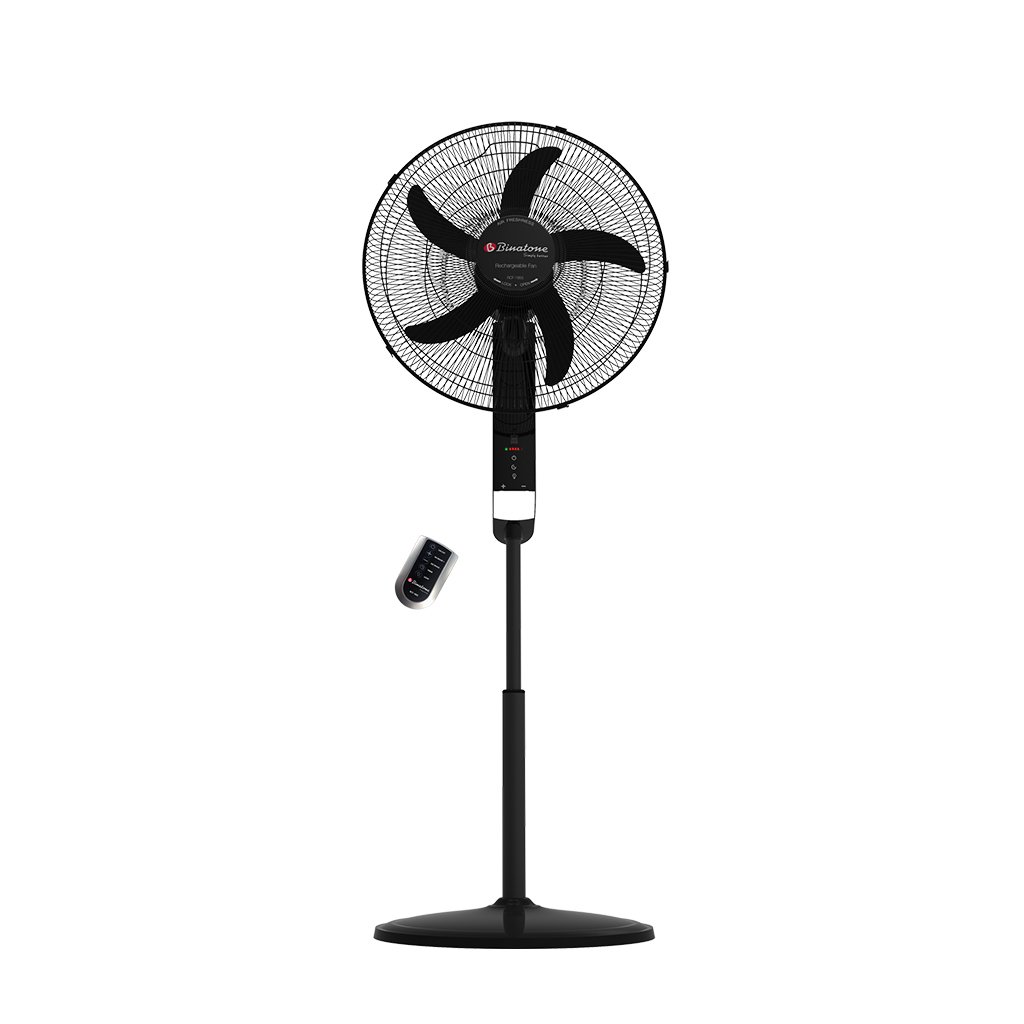
Can you use a rechargeable fan while it is charging?
It depends on the model. Do not assume that every rechargeable fan supports pass-through operation. For example, the Daewoo COL1540 manual says that model can be used while connected to USB power, while other fan manuals instruct users not to operate the fan during charging. Check the instructions for your exact model. If the manual is missing, contact the manufacturer or seller rather than guessing.
If the fan becomes unusually hot, smells strange, makes crackling or hissing sounds, or its battery swells, stop using and charging it. Do not continue testing it to see whether the problem clears.
Frequently asked questions
Why is my rechargeable fan not charging?
The problem may be the power source, cable, adapter, charging port, battery or charging circuit. Check the external power connection first and use only the charger and cable specified for your exact fan model.
Why is my rechargeable fan charging but not working?
The battery may not be storing enough charge, or the fan may have a faulty switch, control board or motor. Confirm that charging is complete and follow the model’s start-up instructions. If it still will not run, arrange a service check.
Can I use my rechargeable fan while charging?
Only if the manufacturer says your exact model supports it. Some manuals instruct users to switch the fan off while charging. Check the manual rather than assuming all rechargeable fans work the same way.
Why does my rechargeable fan work only when plugged in?
The battery may be flat, worn out or disconnected. First confirm that the fan is designed to run on battery power. If it is, but no longer works unplugged after a correct charge, have the battery and charging circuit checked.
Can I use any phone charger for my rechargeable fan?
No. Use the charger and cable supplied with the fan or an alternative explicitly approved by its manufacturer. Match the voltage and other charging requirements on the rating label or in the manual; a plug that fits is not enough.
How do I know if my rechargeable fan battery is bad?
Warning signs include much shorter runtime than before, the fan stopping soon after unplugging, or failure to hold charge. Swelling, leaking, unusual heat or a chemical smell are safety warning signs: stop using and charging the fan immediately.
Can a rechargeable fan battery be replaced?
Some models have replaceable batteries, while others use sealed packs that are not intended for user replacement. Check the exact model’s manual and use only the manufacturer’s approved replacement part or service centre.
Why does my rechargeable fan stop after a few minutes?
A depleted or ageing battery, poor connection, overheating protection or motor fault may cause it to stop. Test at a lower speed only if the fan is not hot or damaged. Repeated cut-outs need professional inspection.
Conclusion
When a rechargeable fan stops charging or working, begin with the cable, compatible power source, charging input and the instructions for your exact model. These checks can identify simple connection problems without opening the fan. If the battery is damaged, the motor will not turn, or the fan repeatedly cuts out, stop using it and get a qualified repairer to inspect it. Never risk a fire or electric shock trying to force a repair.
If you are choosing a replacement rather than repairing your current fan, see our rechargeable fan buying guide for Nigerian homes. For longer power outages, our guide to solar inverter setups for Nigerian flats explains another way to keep essential appliances running.
Sources
- Daewoo COL1540 rechargeable fan user manual — example of a model-specific USB input, charging indicator, charging rating and operation while connected to USB.
- Singapore Consumer Product Safety Office: Lithium-ion battery safety — approved chargers, damaged battery warning signs and safe charging guidance.
- Buckinghamshire Fire & Rescue Service: Lithium-ion batteries — current safety advice on damaged batteries, overheating, swelling and safe charging.
- U.S. Fire Administration: Lithium-ion battery safety — guidance on correct chargers, charging surfaces and swollen or smoking batteries.
- Health Canada: Lithium-ion battery safety — safe charging, storage, damage prevention and disposal guidance.

Oladepo Babatunde (Prince Babatee Tunde) is a Computer Scientist, researcher, and professional content writer with a Higher National Diploma in Computer Science from Kwara State Polytechnic, Nigeria.
With a background in technology and a passion for clear communication, Babatunde specializes in creating thoroughly researched, reader-focused content on productivity, personal development, home living, and technology. Every article he writes is backed by extensive research and fact-checking to ensure readers receive accurate, actionable information.
As a freelance writer, he has helped brands and publications deliver content that educates, engages, and empowers their audiences. His mission at 9jaboizgist is simple: make complex topics easy to understand and help Nigerians live smarter, more productive lives.