If your MTN data finishes faster than expected, the first thing to do is find out which app or connected device used it. Video streaming, WhatsApp media downloads, cloud backups, app updates and hotspot sharing can consume data even when you are not actively browsing.
MTN Nigeria itself recommends checking app usage in the myMTN NG app and your phone settings. Its Device Data Usage feature lets you view usage for today, the last week or a selected date range. This guide shows how to identify the biggest data users on Android, iPhone and a phone hotspot, then reduce the waste without switching off everything you need.

First: confirm where the data went
Do not start by buying another bundle or assuming MTN deducted it incorrectly. Compare the usage recorded by MTN with the data counter on the phone. They measure usage differently and may cover different time periods, so the numbers will not always match exactly.
- Check your remaining MTN bundle and the time you last noticed the balance.
- Open the myMTN NG app and check Device Data Usage for the same period.
- Open your phone’s mobile-data settings and identify the apps with the highest usage.
- If you shared a hotspot or used a MiFi/router, check connected devices and their usage too.
- Repeat the check after a short period with hotspot off and background activity restricted. This helps narrow down the source.
How to check which apps are using your MTN data in the myMTN NG app
MTN’s current help instructions give this route:
- Open the myMTN NG app and sign in.
- Tap More.
- Select Device Data Usage.
- Choose today, last week or a date range to see which apps are using the most data.
MTN also provides a separate Usage History option under More. Its help page says data usage history is available for up to three days, while airtime history can go back seven days. If you need a longer comparison, use the Device Data Usage date-range option and your phone’s own counter where available. App menus can change after updates.
Official instructions: MTN: How to Check App Usage and MTN: How to Track Usage History.
How to find data-hungry apps on Android
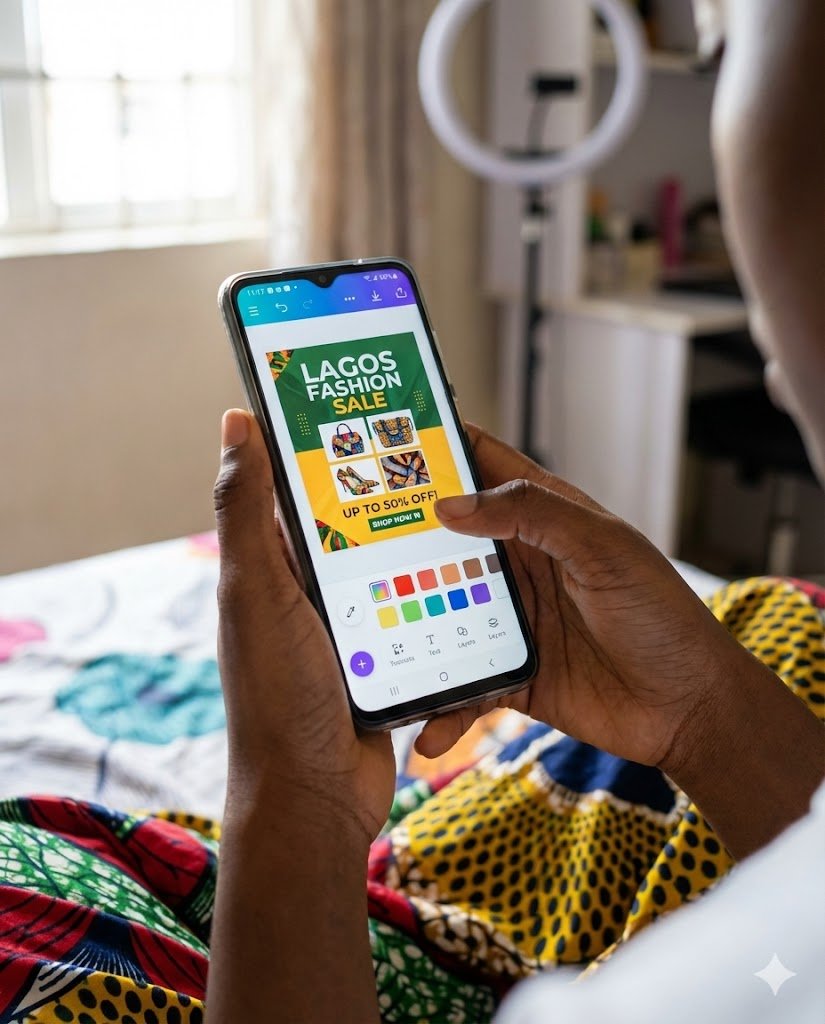
Android menu names vary by manufacturer and software version. On many phones, try:
- Open Settings.
- Tap Network & Internet or Connections.
- Choose SIMs, Mobile network or Data usage.
- Open App data usage or Mobile data usage.
- Choose the period that matches your MTN bundle cycle, then sort or inspect apps by usage.
On Samsung Galaxy phones, the route is commonly Settings > Connections > Data usage > Mobile data usage. On Google Pixel phones, Google documents Settings > Network & internet > SIMs > App data usage. On other Android phones, use the Settings search bar and search for “Data usage” if the menu is different.
Look for apps that used a surprising amount of mobile data. Tap an app to inspect foreground and background use if your phone provides that breakdown. High foreground use usually means you were actively using the app; high background use suggests syncing, refreshing, downloads or notifications while it was not open.
Android’s own counter is useful for identifying apps, but its billing cycle may not match MTN’s bundle activation time. Set or reset the phone’s tracking period when you subscribe so that the comparison is meaningful.
How to check mobile data usage on an iPhone
- Open Settings.
- Tap Cellular or Mobile Data.
- Scroll down to see mobile data used by each app.
- Tap Show All if that option appears.
- Check System Services separately if the total seems higher than the app list suggests.
To stop an individual app from using mobile data, switch off its cellular-data permission on the same screen. It will then need Wi-Fi for internet access. At the bottom of the page, you can reset statistics when a new tracking period begins. Do this on the day you activate a new bundle if you want a cleaner comparison.
Apple notes that the iPhone’s current-period statistics may not match the carrier’s measurement exactly. For the most accurate carrier usage, compare with MTN’s app or customer-care records. See Apple’s guide to using cellular data.
Which apps commonly consume MTN data quickly?
| App or activity | Why it can use a lot | What to change |
|---|---|---|
| YouTube, TikTok, Instagram, Facebook | Video playback, autoplay, reels and high-resolution clips load repeatedly. | Lower video quality, disable autoplay where possible and use Wi-Fi for long viewing sessions. |
| Photos, videos, voice notes and chat backups can download or upload automatically. | Set media auto-download and chat backups to Wi-Fi only, where available. | |
| Google Photos or iCloud Photos | Large photo and video libraries can sync in the background. | Pause mobile uploads or set backup to Wi-Fi only. |
| Google Play Store or App Store | App updates and new downloads can be large. | Set automatic app downloads and updates to Wi-Fi only. |
| Cloud drives and email | Large attachments and automatic file syncing use mobile data. | Restrict sync to Wi-Fi or disable mobile access for the relevant app. |
| Hotspot-connected laptop or TV | Windows updates, cloud sync, streaming and large downloads may run automatically. | Turn hotspot off when not needed and set the connected device’s network as metered. |
| Maps and navigation | Maps, traffic updates and satellite imagery can use data while travelling. | Download offline maps over Wi-Fi and avoid unnecessary satellite view. |
How to stop MTN data from finishing overnight
If your balance drops while you are asleep, check background activity before blaming an unknown subscription. Common causes include:
- WhatsApp chat backups scheduled overnight.
- Google Photos or iCloud uploading videos and photos.
- Automatic app or phone updates.
- Cloud-drive synchronisation on a laptop connected to your hotspot.
- Another person or device still connected to your hotspot.
Check the app usage totals for the period that includes the night. Some phones show a total for a selected period rather than an hour-by-hour timeline. If your phone does not show hourly usage, note the app totals before sleeping and check them again after waking. Then temporarily disable hotspot sharing, pause cloud uploads and set updates to Wi-Fi only. Compare the totals again after a similar period. If the unexplained increase stops, re-enable services one at a time to narrow down the cause.
How to check whether someone is using your MTN hotspot
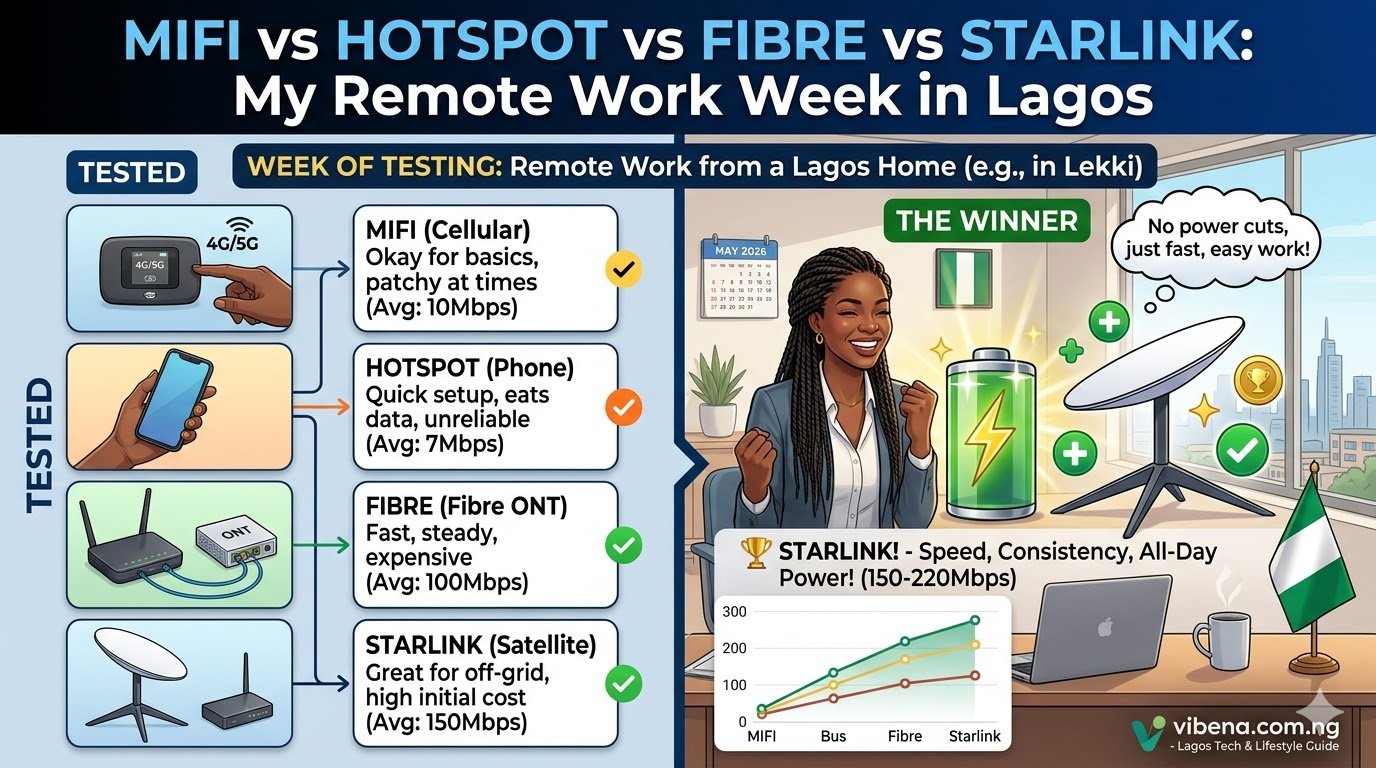
If you use your phone as a hotspot, open its Personal Hotspot or Mobile Hotspot settings and review connected devices if your model displays them. If you use an MTN MiFi or 4G/5G router, sign in to its local admin page or companion app and look for Connected Devices, Clients or WLAN Users. The exact menu depends on the device model.
Do not assume every connected device is an intruder. Your own laptop, smart TV, tablet or another phone may be using the connection. If you do not recognise a device, change the Wi-Fi password to a strong one, reconnect only your devices and turn the hotspot off when you leave home. Our MTN MiFi password guide explains how to change the password on supported MiFi models.
Settings that help reduce data use without stopping everything
On Android
- Turn on Data Saver to limit background mobile data for many apps.
- Restrict background mobile data for apps that do not need constant syncing.
- Set Google Play app updates to Wi-Fi only.
- Use lower video quality and disable autoplay in social and streaming apps.
- Download music, podcasts, maps and videos over Wi-Fi when the app permits it.
On iPhone
- Enable Low Data Mode under Settings > Cellular > Cellular Data Options, where available.
- Turn off cellular data for apps that do not need it.
- Review Background App Refresh and disable it for apps that do not need background updates.
- Check Wi-Fi Assist if data is being used when your Wi-Fi connection is weak. It can switch to cellular data automatically.
- Set app downloads and cloud photo syncing to Wi-Fi where the relevant app offers that option.
Do not disable background data for messaging, banking, work or security apps without considering what notifications or syncing you may miss.
Why MTN’s data balance and your phone’s data counter may differ
A difference does not automatically mean the network has made an incorrect deduction. The phone and carrier may use different start and end times, rounding rules or accounting categories. Your phone may also count data on another SIM, Wi-Fi Assist or system services differently. If you use a dual-SIM phone, confirm that the counter is showing the MTN line.
For a fair comparison, reset the phone’s mobile-data statistics when a new MTN bundle starts, note the time, and compare again before the bundle expires. Also check whether you have more than one active bundle, a bonus bundle or a plan with separate usage rules.
What to do if MTN data is still disappearing unexpectedly
- Take screenshots of the myMTN NG Device Data Usage page and your phone’s app data usage for the same period.
- Record the bundle activation time, the time the balance dropped and the remaining balance shown.
- Check whether hotspot sharing, a second SIM or a router was active.
- Contact MTN customer care or use Zigi in the myMTN NG app and ask them to review the data usage on your line.
- Provide the timestamps and screenshots. Do not share your OTP, PIN or account password.
MTN’s help page says customers who believe their usage is unusual can contact Customer Care or chat with Zigi. Start with the app’s usage details so you can describe the issue clearly.
Frequently asked questions
How can I check what is consuming my MTN data?
In myMTN NG, go to More > Device Data Usage and choose a time period. You can also check app-by-app mobile data usage in Android or iPhone settings.
Why does my MTN data finish even when I am not using my phone?
Background app refresh, cloud backups, photo syncing, automatic updates and hotspot-connected devices can use data while the phone is idle. Check the usage by app and time to find the source.
Can WhatsApp use MTN data in the background?
Yes. Media auto-downloads and chat backups can use mobile data. Review WhatsApp Storage and Data settings and set automatic downloads or backups to Wi-Fi where available.
Does 5G consume more data than 4G?
The network generation itself does not automatically multiply the amount of data in a file. However, faster connections can make apps load higher-resolution video, autoplay more content or complete downloads sooner, which can increase actual usage. Check video quality and app settings rather than assuming 5G alone is responsible.
Can someone use my MTN data without my permission?
Yes, if another device is connected to your phone hotspot or MiFi/router, it can use the shared bundle. Review connected devices, change the Wi-Fi password if necessary and switch off hotspot sharing when you are not using it.
Why does my phone show less data usage than MTN?
The phone and MTN may be measuring different periods or categories. Confirm the MTN SIM is selected, reset the phone counter at the start of a bundle and compare matching time windows. Ask MTN to review the line if the difference remains unexplained.
Where can I check my remaining MTN data balance?
Use the balance section in the myMTN NG app or MTN’s current official self-service instructions for your bundle type. Do not rely on an old USSD code copied from an unrelated plan because menu codes and bundle rules can change.
Related MTN and internet guides
- MTN Data Plans and Prices in Nigeria
- MTN Data Not Working After Subscription? Causes and Fixes
- How to Change MTN MiFi Password
- 5G Router Slow in Nigeria? How to Improve Signal and Internet Speed
Official sources
- MTN Nigeria: Manage Data
- MTN Nigeria: How to Check App Usage
- MTN Nigeria: How to Track Usage History
- Apple Support: Use cellular data on iPhone and iPad
- Google Pixel Help: Reduce and manage mobile data usage — app usage, date ranges, data warnings and limits.
Menu names and features can differ by phone brand, Android version, iOS version and app version. Use your phone’s Settings search if the route shown here does not match your screen.

Oladepo Babatunde (also known as Prince Babatee Tunde) is a Computer Scientist, researcher, professional content writer and SEO content strategist with more than eight years of experience. He holds a Higher National Diploma (HND) in Computer Science from Kwara State Polytechnic, Nigeria, and is based in Ilorin, Kwara State. As a freelance writer, he creates research-led, practical content on technology, Nigerian internet services, AI tools, gadgets and solar power. His work combines research, source checking, technical understanding and SEO strategy. Where an article includes hands-on testing, the product, method and relevant conditions are described in the article; research-based guides are identified as such.