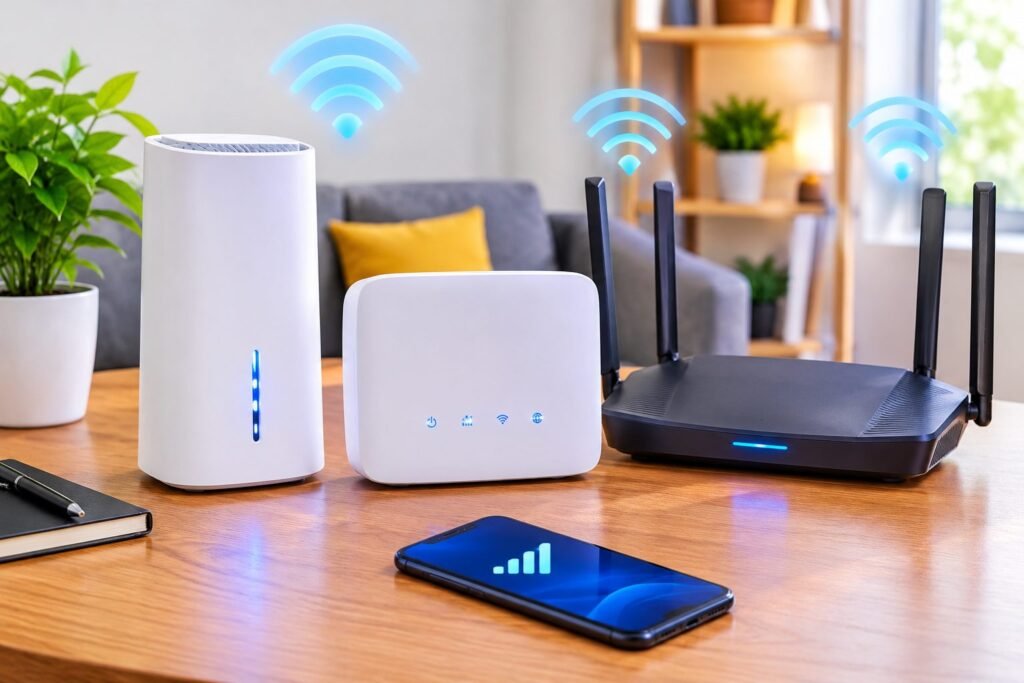
Choosing a 5G router in Nigeria is not just about buying the device with the biggest speed number on its box. The router must support the right network bands, accept your SIM, work with the network available in your area and provide enough Wi-Fi capacity for your home.
MTN and Airtel both offer 5G broadband options, while independent brands such as TP-Link, ZTE, Huawei and Tenda sell 5G routers and indoor CPE devices. A router advertised as 5G is not automatically compatible with every Nigerian SIM. The exact hardware version, supported bands, firmware and SIM-lock status all matter.
Prices below are observed listings from research conducted on 25 November 2026. They are not fixed national prices and may change. This comparison focuses on indoor routers that take a mobile SIM; MTN FlyX and Airtel SmartConnect ODU are separate fixed outdoor broadband services, not interchangeable router models.
Best 5G routers in Nigeria at a glance
| Router | Observed price | Best for | Caution |
|---|---|---|---|
| MTN 5G Broadband Router | ₦40,000–₦80,000 on MTN pages | Existing MTN customers | Confirm supplied model and SIM restrictions |
| Airtel ZLT X25 family | About ₦150,000 marketplace listing | Airtel 5G customers | Confirm exact variant; not an official Airtel price |
| Tenda 5G03 | About ₦121,000 specialist listing | Budget independent option | Verify bands and unlock status |
| ZTE MC888 | About ₦192,000 specialist listing | Indoor 5G broadband | Regional versions differ |
| TP-Link Archer NX200 | About ₦245,000–₦281,000 | Wi-Fi 6 and independent use | Confirm revision and SIM lock |
| Huawei 5G CPE Pro 5 H158-381 | About ₦520,000 specialist listing | Premium indoor CPE | Verify Nigerian bands and warranty |
Price note: MTN’s figure was shown on its official shop listing. The other figures are retailer or marketplace observations, not guaranteed manufacturer or operator prices. Check the current price, seller, warranty and exact model before ordering.
1. MTN 5G Broadband Router
Official MTN pages currently show a price discrepancy: ₦40,000 on its main broadband page and ₦80,000 on its dedicated eShop product page. Check the actual checkout price and offer before paying. MTN describes its 5G broadband router on its official shop as supporting 5G, 4G and 3G. It can fall back to 4G where 5G coverage is unavailable, which is useful when coverage varies around your neighbourhood.
MTN advertises support for multiple connected devices and Ethernet connectivity. Its shop listing has also advertised a 30-day unlimited-data offer, but buyers should confirm the current terms, eligibility and activation requirements before paying. Ask MTN to confirm the device warranty and service arrangements in writing before purchase.
An existing MTN 4G SIM may be usable in a compatible 5G device where the service and coverage are available. Complete SIM registration and follow MTN’s activation instructions.
Who should consider it? Someone who has tested MTN at the intended installation point and is comfortable using MTN as the home broadband provider. MTN notes that the supplied router model may differ from the product image depending on availability, so ask for the exact model number before paying.
2. Airtel 5G Router: ZLT X25 family
Airtel describes its 5G broadband service as supporting 5G with 3G/4G LTE fallback. Confirm the exact model and current terms with Airtel before purchase. Its support information advertises up to 64 connected devices and a 10GB bonus after completing the required KYC process. Confirm the current conditions with Airtel because promotions can change.
A marketplace listing for an Airtel ZLT X25 showed a price around ₦150,000 during research. Treat that as a seller’s asking price, not an official Airtel retail price.
The exact model matters. The Nigerian Communications Commission (NCC) approved-equipment list includes TOZED ZLT X25 PRO and ZLT X25 A models described as Airtel 5G wireless routers. Sellers may use “X25” loosely, and different versions can have different hardware, firmware and supported bands. Do not assume specifications for an X25 Pro apply to every device advertised as X25.
3. TP-Link Archer NX200
The Archer NX200 is a strong independent-router candidate because TP-Link’s official product documentation publishes a detailed band list for the documented version. It includes 5G n78 support, several other 5G bands and multiple 4G LTE bands. It also has Wi-Fi 6, a Nano-SIM slot and Gigabit Ethernet connections.
Its published Wi-Fi rating is AX1800: up to 574Mbps on 2.4GHz and up to 1,201Mbps on 5GHz under ideal conditions. The maximum mobile speed shown in a product specification is a laboratory or theoretical capability, not a speed promise for an MTN or Airtel connection in Nigeria. Actual performance depends on the network, spectrum, signal, congestion and plan.
Nigerian listings observed during research ranged from approximately ₦245,000 to ₦281,000, with other sellers asking more. Compare the exact hardware revision, seller reputation and warranty. Ask to see the version label and test the SIM you intend to use. A published band list does not prove that the particular unit in stock is unlocked.
4. ZTE MC888
The ZTE MC888 is an indoor 5G CPE. Documented versions offer Wi-Fi 6, a Nano-SIM slot and Gigabit Ethernet. The manufacturer’s documentation lists n78 support for the version covered by that document. A Nigerian specialist retailer listing showed about ₦192,000 during research.
ZTE sells regional versions with different frequency support. The name “MC888” alone is not enough to confirm compatibility. Request the full model code and band list for the actual unit, then test your SIM and confirm the return policy.
5. Huawei 5G CPE Pro 5 (H158-381)
A Nigerian specialist listing showed an asking price around ₦520,000. The listing describes 5G connectivity, Wi-Fi 6 and Gigabit Ethernet, but buyers should confirm these details against the exact regional model. At this price, do not rely on a seller’s claim that it “works with all networks”. Request the complete 5G NR and LTE band list, confirm unlock status and ask about local warranty coverage.
6. Tenda 5G03 and other lower-cost options
A specialist Nigerian listing showed the Tenda 5G03 at about ₦121,000 during research. The available evidence was not strong enough to recommend every specification or claim universal MTN and Airtel compatibility. Before choosing it, request the manufacturer specification sheet for the exact version. Check n78, LTE fallback bands, SIM-lock status, Wi-Fi standard, Ethernet ports, power adapter and warranty.
Will a 5G router work with MTN and Airtel?
One important band to check is n78. The ITU’s Nigeria telecommunications infrastructure study records 3400–3500MHz for Airtel and 3500–3600MHz for MTN. Both fall within the broader frequency range covered by 5G NR band n78.
That makes n78 an important compatibility check, but it is not a complete guarantee. The exact router variant, firmware, network configuration, SIM restrictions and coverage at your address still matter. A device can support n78 on paper and fail to connect because it is locked to another operator or is an unsuitable regional version.
Also check the router’s 4G LTE bands. When 5G is unavailable or weak, the router may use 4G instead. Specifications may also mention NSA (Non-Standalone) and SA (Standalone), two ways a 5G network can be deployed. Support for both is useful, but the operator must also support the mode and configuration used in your area. Suitable fallback bands help keep the connection usable outside 5G coverage areas.
Locked vs unlocked 5G routers
| Locked router | Unlocked router |
|---|---|
| May accept only one operator’s SIM | Can accept multiple SIMs if network bands match |
| May be sold with operator support or a bundle | Offers more flexibility when changing networks |
| Switching networks may require an official unlock | Still needs the right bands and configuration |
| Terms may be tied to the operator | Warranty depends on manufacturer and seller |
“Unlocked” does not mean “works everywhere”. It only addresses the SIM restriction; it does not add missing frequency bands or create coverage. Ask the seller to insert a different network’s SIM, show the router registering on the mobile network and demonstrate that it can access the internet. A phone connecting to the router’s Wi-Fi only proves that Wi-Fi is working; it does not prove the router has an active mobile data connection.
How to check whether MTN or Airtel 5G works at your home
- Check MTN’s and Airtel’s official coverage information for your address. You can also follow our explanation of how to check MTN 5G coverage in Nigeria.
- Use a 5G-compatible phone to test MTN inside the room where the router will sit.
- Repeat with Airtel, ideally using the same phone.
- Test near a window and at the planned router position.
- Run speed tests at similar times and record download speed, upload speed and latency.
- Repeat in the evening and on another day.
- Choose the network that performs reliably where you need it, not the one with the highest result from one test.
This post is about indoor SIM-based 5G routers. It is different from fixed outdoor broadband services such as MTN FlyX and Airtel SmartConnect 5G ODU, which use an outdoor receiver and have separate installation and service terms. If you already own a router and are dealing with weak speeds, see our separate guide to fixing a slow 5G router in Nigeria.
5G vs 5GHz Wi-Fi: do not confuse them
5G means fifth-generation mobile network technology. It is the connection a router receives from a mobile operator through its SIM. 5GHz Wi-Fi is a wireless frequency the router uses to connect phones, laptops, TVs and other devices inside your home. A router can support 5GHz Wi-Fi without having a 5G mobile modem.
A genuine 5G SIM router should have a mobile network modem, a SIM interface and published 5G NR band support. Do not buy a router just because its packaging says “5GHz”.
What to check before paying
- Exact model: Get the complete model number and hardware revision.
- 5G band: Look for n78 support for Nigerian MTN and Airtel compatibility.
- 4G fallback: Check the LTE bands supported by the exact unit.
- NSA and SA: Check supported 5G modes and network requirements.
- SIM lock: Test your own network’s SIM.
- Wi-Fi: Wi-Fi 6 can help with newer devices, but placement and home layout still matter.
- Ethernet: Check the number and speed of LAN ports for wired devices.
- Antennas: Confirm whether external antenna connectors are supported if signal is weak.
- Warranty: Get the warranty, local service arrangements and return policy in writing.
- Approval: Where applicable, check the exact model against NCC approved-equipment information.
- Accessories: Confirm the original power adapter and required accessories are included.
Should you buy a 5G router or a 4G router?
A 5G router makes sense when a network with reliable 5G coverage is available at your home and the price fits your budget. A good 4G router may be a better purchase if 5G coverage is weak or unavailable, if you mainly browse and message, or if you do not want to pay extra for a feature you cannot use at your address.
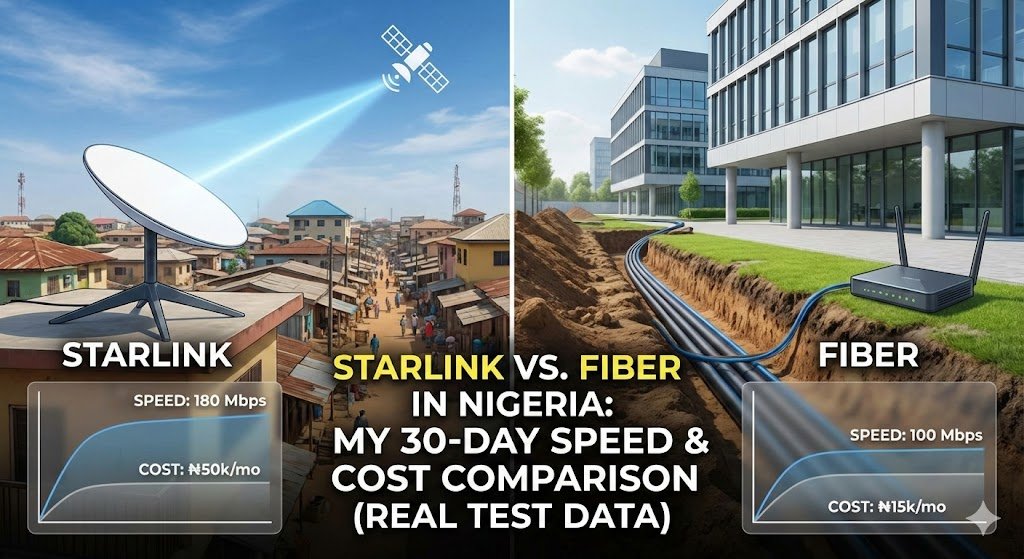
If you are comparing home internet options beyond SIM routers, our comparison of internet options for streaming in Nigeria explains where mobile broadband, fibre and satellite internet may fit different households. For fixed outdoor services, compare Airtel SmartConnect 5G ODU and MTN FlyX vs Airtel SmartConnect.
Frequently asked questions
Which 5G router is best for MTN in Nigeria?
MTN’s official 5G broadband router is the straightforward option if MTN coverage is reliable at your address. If you want an independent router, consider a model such as the TP-Link Archer NX200 only after confirming that the exact hardware version supports n78, suitable LTE bands and your SIM.
Can I use an Airtel 5G router with an MTN SIM?
Not always. Some operator routers are locked to one network. Even if a device is unlocked, its exact bands and firmware must support MTN. Ask the seller to demonstrate an MTN SIM working before you pay.
Does a 5G router need a special SIM?
It needs a SIM and data service supported by the operator. Some existing 4G SIMs can work in compatible 5G devices where the operator allows it, but registration, plan and activation requirements still apply. Confirm with the network provider.
Does n78 mean a router will work on MTN and Airtel?
n78 is an important band because MTN and Airtel’s assigned 5G spectrum falls within its frequency range. It does not guarantee compatibility by itself. Check the exact hardware variant, firmware, SIM-lock status and coverage.
Why does my 5G router show 4G instead of 5G?
The router may be outside 5G coverage, receiving a weak indoor signal, using an incompatible model or SIM, or falling back to 4G because of network conditions. Test near a window, check its network mode and confirm coverage with the operator.
Is a 5GHz Wi-Fi router the same as a 5G router?
No. 5GHz is a Wi-Fi frequency used for local wireless connections. 5G is a mobile network technology. Check for a SIM slot and 5G NR band specifications when shopping for a 5G mobile router.
How many devices can connect to a 5G router?
The advertised maximum varies by model. The number that can use the internet comfortably at once depends on what each person is doing, the router’s Wi-Fi capacity and the mobile network connection.
Is a 5G router worth buying in Nigeria?
It can be worth buying if you have dependable 5G coverage, need home broadband for several devices and choose a compatible router. If coverage is poor, a good 4G router or another home internet option may give better value.
Final verdict
There is no single best 5G router for every Nigerian home. The independent models in this comparison are candidates to investigate, not a claim that every regional variant has been tested on Nigerian networks. If MTN is the strongest network at your address, start by checking MTN’s official router. If Airtel performs better, compare its 5G router and verify the exact ZLT X25 model. If you want to switch between networks, look at an independent router such as the TP-Link Archer NX200, but confirm the hardware version, n78 support, LTE bands and unlocked status before paying.
My strongest advice is simple: test MTN and Airtel where you plan to use the router before buying the device. A compatible router cannot compensate for poor coverage, and a high advertised speed cannot guarantee the performance you will get at home.

Oladepo Babatunde (also known as Prince Babatee Tunde) is a Computer Scientist, researcher, professional content writer and SEO content strategist with more than eight years of experience. He holds a Higher National Diploma (HND) in Computer Science from Kwara State Polytechnic, Nigeria, and is based in Ilorin, Kwara State. As a freelance writer, he creates research-led, practical content on technology, Nigerian internet services, AI tools, gadgets and solar power. His work combines research, source checking, technical understanding and SEO strategy. Where an article includes hands-on testing, the product, method and relevant conditions are described in the article; research-based guides are identified as such.