Last updated on December 4, 2025
The Samsung Galaxy S21 series, even in late 2025, remains a capable smartphone, and for many, the camera is still a big part of its appeal. If you’re still rocking an S21, S21+, or S21 Ultra, you might be wondering how its camera stacks up today and what you can do to keep getting great shots. The good news is that consistent software support has played a huge role in refining its performance over the years.
The Enduring Legacy: Galaxy S21 Camera in 2025
It’s 2025, and your Galaxy S21 is still chugging along, capturing memories and handling daily tasks. While newer models boast the latest and greatest, the S21’s camera system, especially the Ultra variant, was a powerhouse in its day. What’s truly remarkable is how Samsung’s continuous software updates have helped it maintain a respectable level of performance, keeping it relevant for everyday photography.
You might think an older phone’s camera is a lost cause, but that’s not always true. Software optimization can do wonders, improving everything from image processing to new shooting modes. For many of us, the S21 camera in 2025 is still more than capable of delivering excellent results, especially when you know how to make the most of it.
Galaxy S21 Camera Hardware: A Quick Recap
Before diving into the software magic, let’s quickly remember what hardware we’re working with. The core camera setup across the S21 series was quite impressive at launch.
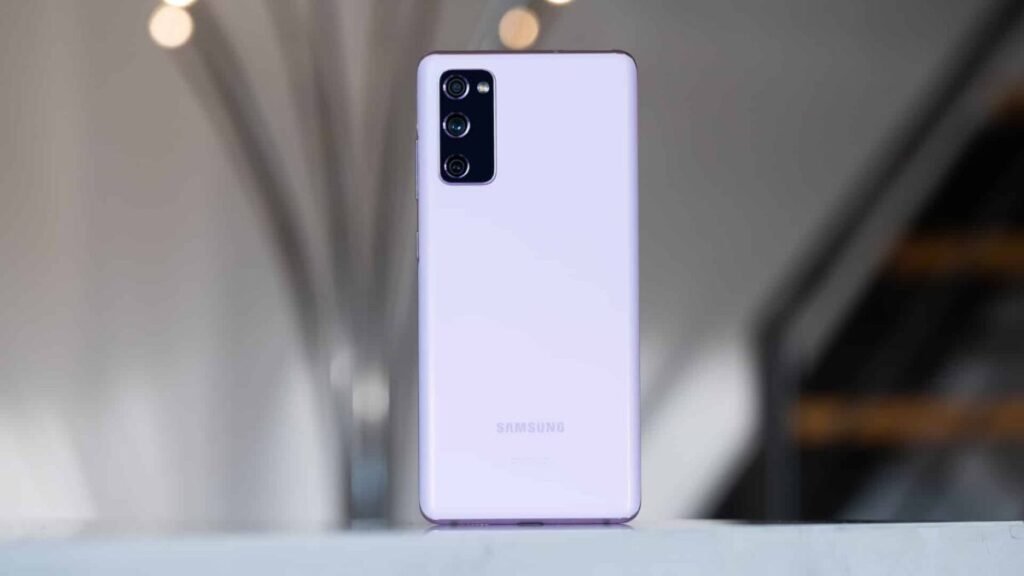
- Galaxy S21 and S21+: These models typically featured a triple-camera system. You’d find a 12 MP wide-angle sensor, a 12 MP ultrawide sensor, and a 64 MP telephoto sensor that offered a 3x hybrid optical zoom. For selfies, there was a 10 MP front camera.
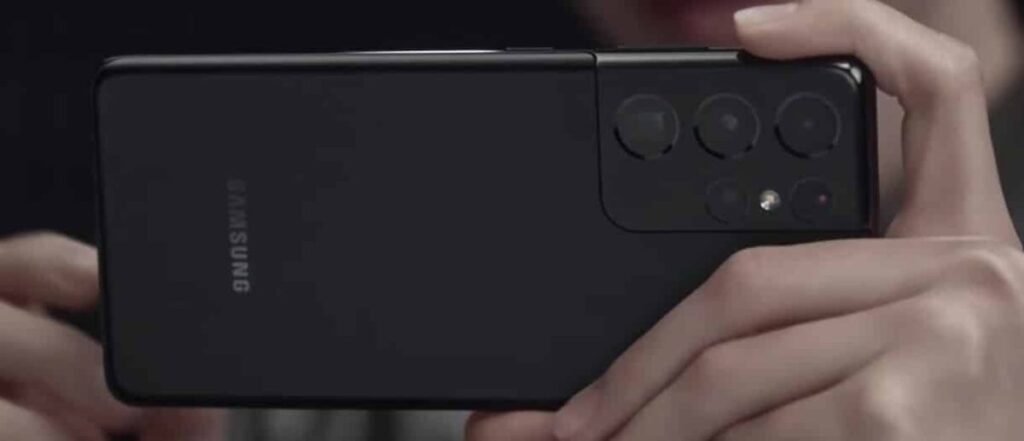
- Galaxy S21 Ultra: This was the real camera beast of the family. It packed a mighty 108 MP main sensor, a 12 MP ultrawide, and two 10 MP telephoto lenses—one for 3x optical zoom and another for 10x optical zoom. The front camera was also upgraded to a 40 MP sensor, making it fantastic for high-detail selfies.
Understanding these foundations helps us appreciate how software updates have enhanced what was already a solid hardware package.
From Launch to Latest: Key Camera Software Updates (2021-2025)
The journey of the S21 camera isn’t just about its initial specs; it’s about the evolution through countless software updates. Each major One UI and Android version brought its own set of tweaks and new features, gradually refining the photographic experience.
Early Enhancements: Addressing Initial Performance & Features (One UI 3.1 – 4.x)
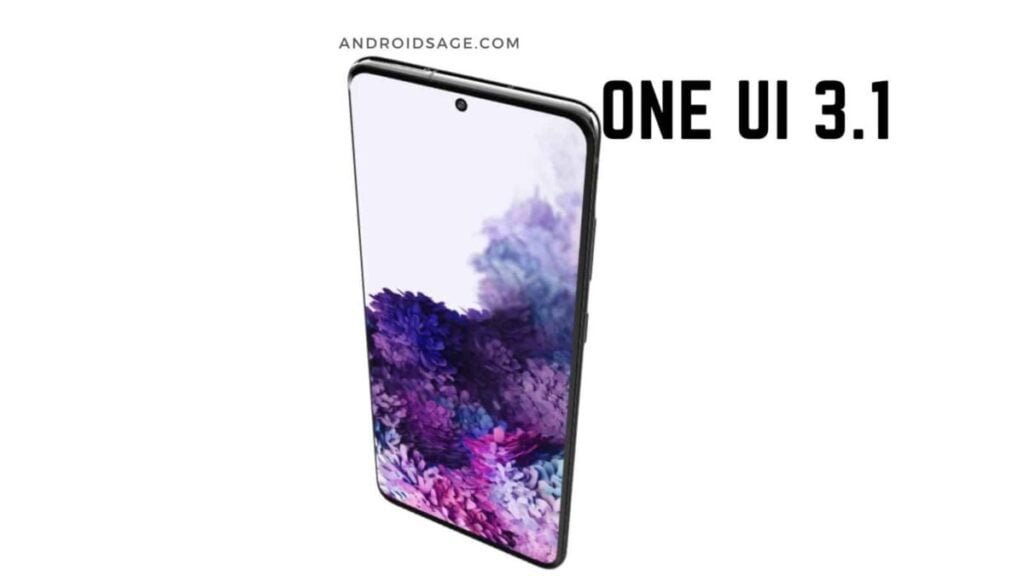
When the S21 first launched with One UI 3.1 (based on Android 11), it was already good, but like any new device, there was room for improvement. Early updates quickly addressed initial performance quirks.
I remember some of the first patches focused on things like improving camera launch speed and reducing processing lag, which made a noticeable difference in day-to-day use. They also refined features like Portrait Mode, making edge detection more accurate and background blur more natural. The QR Code Scanner also saw improvements, becoming faster and more reliable.
As the S21 moved to One UI 4.0 (Android 12), we saw further optimizations in image processing, often leading to better color accuracy and dynamic range. These early updates laid crucial groundwork, ensuring the camera was stable and performing well before introducing more advanced features.
One UI 6.0 (Android 14): New Tools for Better Photography
The leap to One UI 6.0, based on Android 14, brought some genuinely useful camera tools to the S21 series. It wasn’t just about under-the-hood tweaks; we got some tangible new features.
One notable addition was the ability to create custom camera widgets for your home screen. This meant you could set up a widget to instantly launch into a specific camera mode, like Pro Mode or video recording, which is super handy if you frequently use a particular setting. I found this particularly useful for quickly jumping into Night Mode when I knew I’d be shooting in low light.
There were also enhancements to photo quality optimization, giving users more control over how their images were processed. You might have noticed a “level line” feature appearing in the camera interface, helping you ensure your horizons were perfectly straight. These might seem like small things, but they contribute to a much more polished shooting experience.
One UI 6.1: Refinements and Last Major Features
As of late 2025, your S21 should be running One UI 6.1, which was likely its final major One UI update based on Android 14. Samsung typically provides four generations of Android OS updates for its flagship devices, meaning the S21 series (launched with Android 11) concluded its major OS updates with Android 14. While Android 15 (One UI 7.0) is not expected for the S21, security updates are likely to continue into early 2026, ensuring your device remains secure.
One UI 6.1 focused heavily on artificial intelligence (AI) integration and further refining existing features. While the S21 might not get every single “Galaxy AI” feature seen on the very latest flagships due to hardware limitations, One UI 6.1 brought smarter image processing. This could mean improved Scene Optimizer capabilities, more intelligent exposure adjustments, and even some subtle enhancements to features like Single Take, making it better at capturing highlight moments.
I’ve personally noticed that features like Long Exposure and Instant Slow-mo, if available on your S21 through these updates, have become more refined and easier to use, allowing for some really creative shots without needing complex settings.
Mastering Your Galaxy S21 Camera in 2025: Tips & Tricks
Even with an older phone, knowing a few tricks can significantly improve your photos and videos. Here’s how you can get the best out of your S21 camera today.
- Lighting is King: This is the golden rule of photography. Always try to shoot in good natural light. Position your subject with the light source in front of them, not behind, to avoid silhouettes.
- Explore Pro Mode: Don’t shy away from Pro Mode. It gives you manual control over ISO, shutter speed, focus, white balance, and exposure. Experimenting here, especially with shutter speed for low light or motion blur, can yield stunning results that auto mode can’t match.
- Use Night Mode Wisely: Night Mode works by taking multiple exposures and stitching them together. It’s fantastic for still subjects in low light, but remember to hold your phone steady, or even better, use a tripod for the sharpest results.
- Leverage Scene Optimizer: Keep the Scene Optimizer enabled. It uses AI to recognize what you’re shooting (food, landscape, pet) and adjusts settings accordingly. It’s a great “set it and forget it” feature for everyday snaps.
- HDR On for High Contrast: If you’re shooting a scene with bright skies and dark foregrounds, make sure HDR is set to auto or always on. It helps balance the exposure, preventing blown-out highlights and crushed shadows.
- Steady Your Video: For video recording, use the built-in Super Steady mode when possible, especially for action shots. For general video, always try to hold your phone with both hands or lean it against something for stability. The S21’s optical image stabilization (OIS) is good, but extra stability always helps.
Unlocking Advanced Control: Expert RAW for Galaxy S21 Ultra
If you’re a Galaxy S21 Ultra owner, you have a secret weapon in your arsenal: Expert RAW. This isn’t available on the standard S21 or S21+, but for Ultra users, it’s a game-changer if you’re serious about mobile photography.
Expert RAW is Samsung’s dedicated camera app that allows you to capture images in multi-frame DNG RAW format. What does this mean for you? It means the camera captures more data than a standard JPEG, giving you immense flexibility for editing in post-processing. Think of it like a digital negative.
When I use Expert RAW, I pair it with an app like Adobe Lightroom Mobile. The amount of detail you can pull out of the shadows, recover from highlights, and manipulate colors is incredible. It’s essentially Pro Mode on steroids, designed for those who want to take their S21 Ultra photos to the next level and aren’t afraid of a little editing.
Addressing Common Galaxy S21 Camera Challenges
While the S21 camera is still good, it’s not without its limitations, especially when compared to brand-new flagships. Here are a few common challenges you might encounter and how to mitigate them.
- Low Light Performance (Non-Ultra): The standard S21 and S21+ can struggle in very dim conditions compared to the Ultra or newer phones. My advice? Rely heavily on Night Mode, use a stable surface, and if possible, introduce a small external light source.
- Zoom Quality (Non-Ultra): The 3x hybrid zoom on the S21/S21+ is decent, but pushing it further digitally can quickly degrade image quality. If you need to zoom, try to get physically closer to your subject instead of relying solely on digital zoom.
- Battery Degradation: After several years, your S21’s battery health will have naturally degraded. Intensive camera use, especially with features like 4K video recording or Expert RAW, can drain your battery quickly. Keep a power bank handy if you plan a long photo session.
- Physical Wear and Tear: Over time, the camera lenses can accumulate micro-scratches or dust, which might subtly affect image clarity or introduce flares. Regularly clean your lenses with a microfiber cloth and consider a case with raised camera protection.
- Color Consistency: Sometimes, you might notice slight color shifts when switching between the main, ultrawide, and telephoto lenses. This is a common challenge for multi-camera systems. Often, a quick edit in the gallery can help unify the look.
Third-Party Camera Apps: Expanding Your S21’s Capabilities
While Samsung’s native camera app is excellent, sometimes a third-party app can offer a different perspective or specialized features. If you’re looking to experiment, here are a couple of options:
- Google Camera (GCam) Ports: Many Android enthusiasts swear by GCam ports. These unofficial versions of Google’s Pixel camera app often bring Google’s renowned computational photography algorithms to other devices. You might find that GCam offers different processing, sometimes leading to more natural colors or better HDR in certain situations. Finding a stable port for your specific S21 model might take a bit of searching on forums like XDA Developers, but it can be worth the effort.
- Specialized Video Apps (e.g., Filmic Pro): If video is your passion, apps like Filmic Pro offer unparalleled manual control over exposure, focus, frame rates, and even advanced features like log profiles. It’s a professional tool that can really push the S21’s video capabilities beyond the stock app.
Remember, results with third-party apps can vary, and they might not integrate perfectly with all of Samsung’s hardware features, but they definitely offer alternative ways to shoot.
The Galaxy S21 Camera’s Standing in Late 2025
So, where does the Galaxy S21 camera stand in late 2025? It’s fair to say it’s no longer a flagship killer, but it’s far from obsolete. For most everyday scenarios—bright daylight photos, casual portraits, and social media sharing—it still performs admirably.
Compared to new mid-range smartphones released today, the S21 often holds its own, especially in terms of hardware versatility (having dedicated telephoto lenses) and overall image processing, thanks to those continuous software updates. However, against the very latest flagship smartphones, you’ll likely see differences in extreme low-light performance, ultra-fast autofocus, and advanced computational photography features like next-gen AI enhancements, which often rely on newer, more powerful chipsets.
If you’re happy with your S21 and its camera, there’s no urgent need to upgrade. With good technique and smart use of its features, it’s still a very capable tool for capturing your world.
Frequently Asked Questions About the Galaxy S21 Camera
How do I check if my Galaxy S21 camera app is up to date?
Your camera app updates are usually tied to your phone’s overall software updates (One UI and Android). To check for these, go to Settings > Software update > Download and install. Additionally, individual camera components or features might receive updates through the Galaxy Store.
Can I reset my Galaxy S21 camera settings to default?
Yes, you can. Open the Camera app, tap the Settings icon (gear), scroll down, and tap “Reset settings.” This can often help if you’re experiencing unusual behavior or poor performance after changing many settings.
My S21 camera seems slow or lags sometimes, what can I do?
First, ensure your phone’s software is fully updated. Clear the camera app’s cache (Settings > Apps > Camera > Storage > Clear cache). Also, check your phone’s internal storage; if it’s nearly full, it can slow down performance. Restarting your phone can often resolve minor lags as well.
Conclusion: Making the Most of Your S21’s Photographic Potential
Your Samsung Galaxy S21, even a few years after its release, still offers a robust camera experience. Thanks to consistent software updates from Samsung, it has evolved, gained new features, and refined its image processing over time. By understanding its hardware, leveraging the latest software enhancements, and applying some smart photography techniques, you can continue to capture stunning photos and videos in 2025 and beyond.
So, go out there, experiment with Pro Mode, try out Expert RAW if you have the Ultra, and keep an eye on those security updates. Your S21 camera still has a lot of life left in it!
Summary
- The Galaxy S21 camera remains capable in 2025, especially with ongoing software support.
- Key updates from One UI 3.1 through One UI 6.1 (Android 14) brought performance fixes, new features, and AI enhancements.
- Mastering your S21 camera involves using features like Pro Mode, Night Mode, and understanding good lighting.
- Galaxy S21 Ultra owners can leverage Expert RAW for advanced post-processing.
- While not matching the absolute latest flagships, the S21 camera still performs well against many current mid-range phones.
- Regular software updates and understanding settings are key to optimizing performance.